AI MIDI Generator: From Text to an Online MIDI Editor
Generate MIDI from text, revise melodies in chat, and edit notes in an online piano roll. Limited-time access for free accounts; 5 credits per generation.
Turn text or lyrics into a complete song, keep every result in your library, separate vocals and instrumentals, and continue clean tracks as editable MIDI in one browser workflow.
Latest Blog
Fresh posts from our blog database, linked with crawlable internal URLs for AI music creators.
Generate MIDI from text, revise melodies in chat, and edit notes in an online piano roll. Limited-time access for free accounts; 5 credits per generation.
Before uploading audio, lyrics, samples, or artwork to an AI music tool, make sure you own the rights or have the necessary permission and license.
Learn what the all-new V6 model brings to YewAI Music and how to get better results from prompts, lyrics, and instrumental workflows.
Learn what MIDI is, how audio-to-MIDI conversion works, and how to use a MIDI generator and online MIDI editor to turn recordings into editable notes.
Learn how to turn a prompt or lyrics into a finished AI song, separate vocals and instrumentals, convert audio to MIDI, and continue editing online.
AI Music Tools
Create a complete song, add vocals, separate stems, convert audio to MIDI, and keep editing in one connected browser workflow.
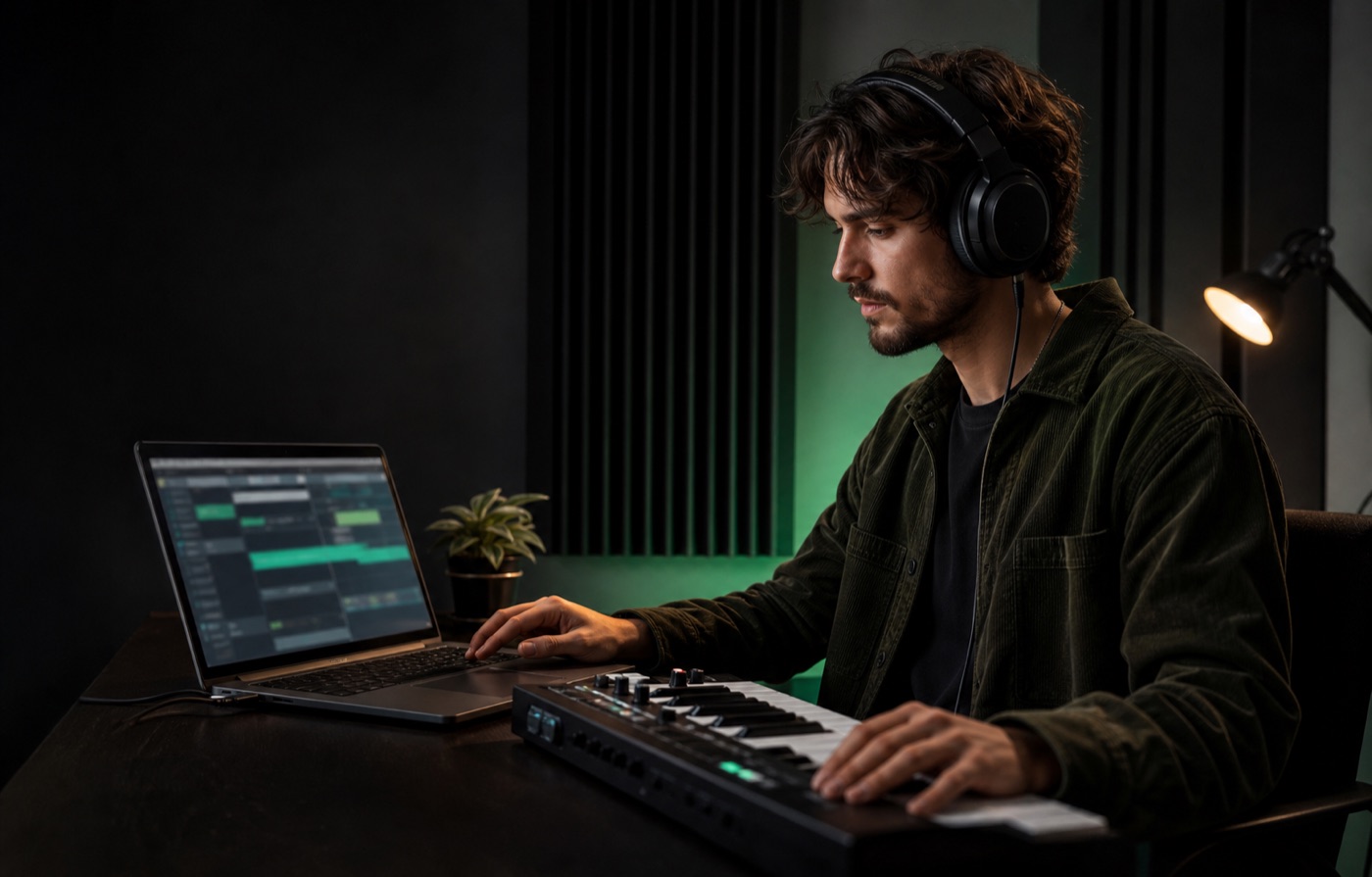 Browser-based workflow
01 · Create and organize
Start with a short prompt or complete lyrics. Generate two song variations, compare them in one library, and keep the better direction moving.
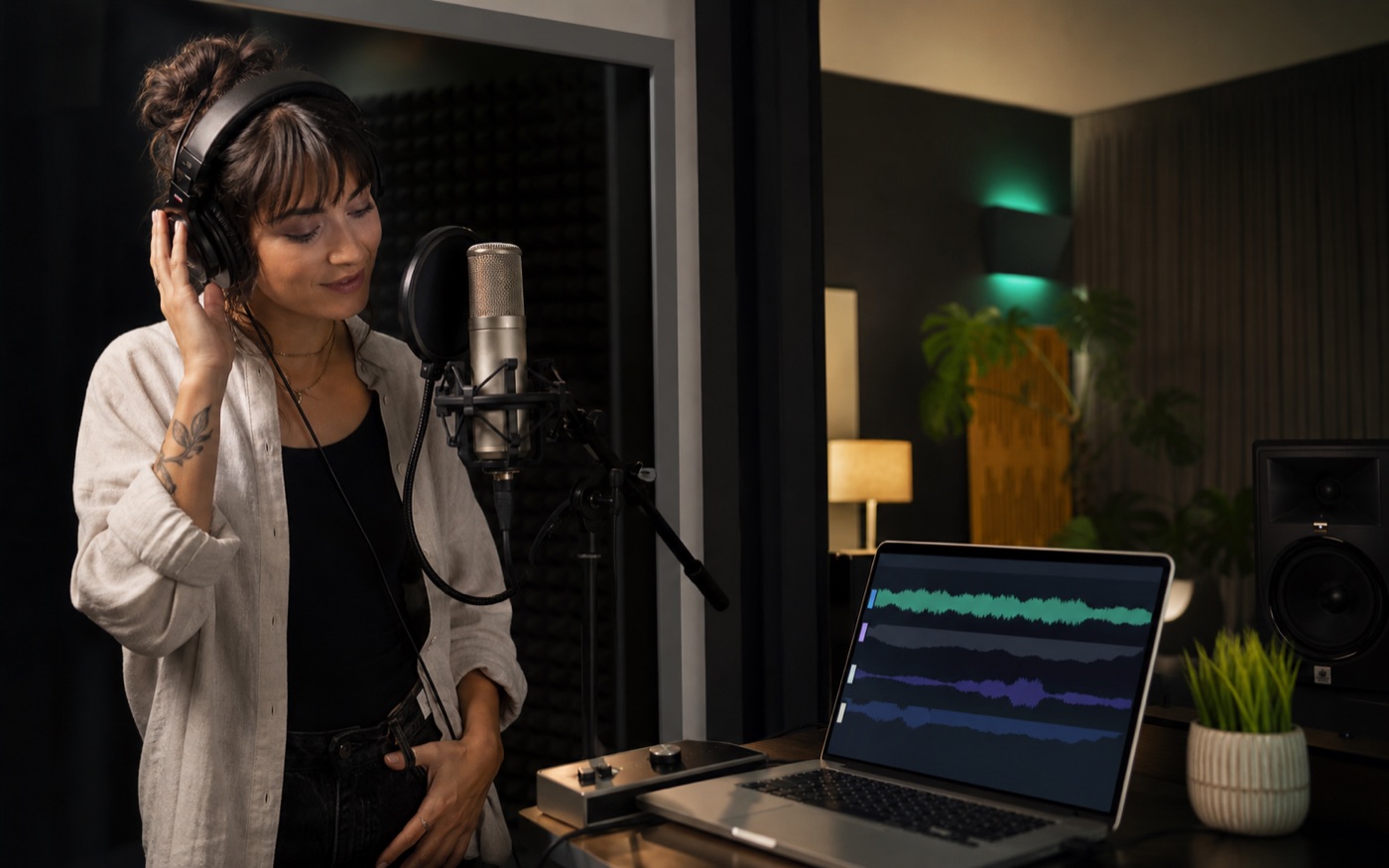 Browser-based workflow
02 · Shape the performance
Add a vocal performance to clean music, or split an original AI song into clearly labeled vocal and instrumental tracks for the next edit.
 Browser-based workflow
03 · Edit anywhere
Compose a MIDI arrangement from a text prompt, or convert an instrumental track into notes. Continue in the browser piano roll and export when it is ready.
How it works
Start with a prompt or lyrics, generate a full song, then continue into library playback, vocal separation, instrumental stems, and MIDI tools.
Enter your idea, lyrics, song name, and style direction.
Choose the model and advanced options for vocals, tempo, and mood.
Generate a polished song and keep refining it in your library.
Prompt
Text to song, lyrics, style, vocal gender
Generate
AI song task, credits, processing status
Refine
Library playback, vocal separation, MIDI export
FAQ
Practical answers about creating songs, choosing models, generating sound effects, using credits, and continuing into vocal or MIDI workflows.